Set the Guardrails
Keep the tube recognisable, protect its packaging and applicator details, then build a playful pink campaign world around it.
 × ASHIA SADLER← Back to Portfolio
Example Campaign Workflow
A practical example using the Blush Crush concept: how I turn a real product reference into an AI-assisted still, a short motion sequence and a clean edit.
Independent portfolio concept, not an official P.Louise campaign. The selected video is shown at its original quality.
Keep the tube recognisable, protect its packaging and applicator details, then build a playful pink campaign world around it.
Use the product photograph for identity and the scene reference for composition. Review the lettering, tube shape, applicator and crop before choosing a still.
Loading the saved prompt…
Animate selected stills with a restrained camera move and changing light. Keep the product rigid so the packaging remains readable.
Loading the saved prompt…
Select the cleanest product footage, arrange detail shots into a reveal, then check the package, applicator, framing and pacing. Leave out extra titles and logos.
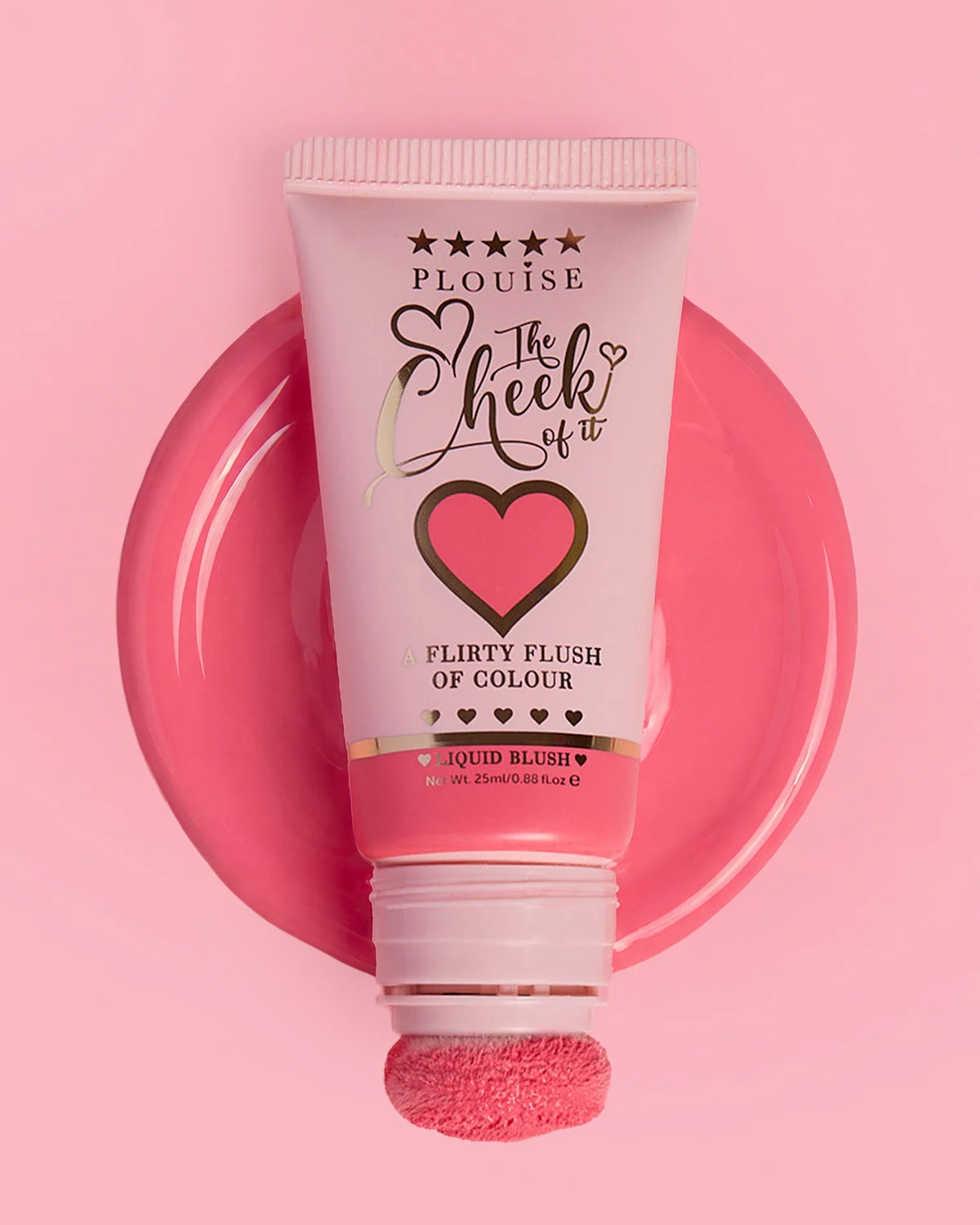
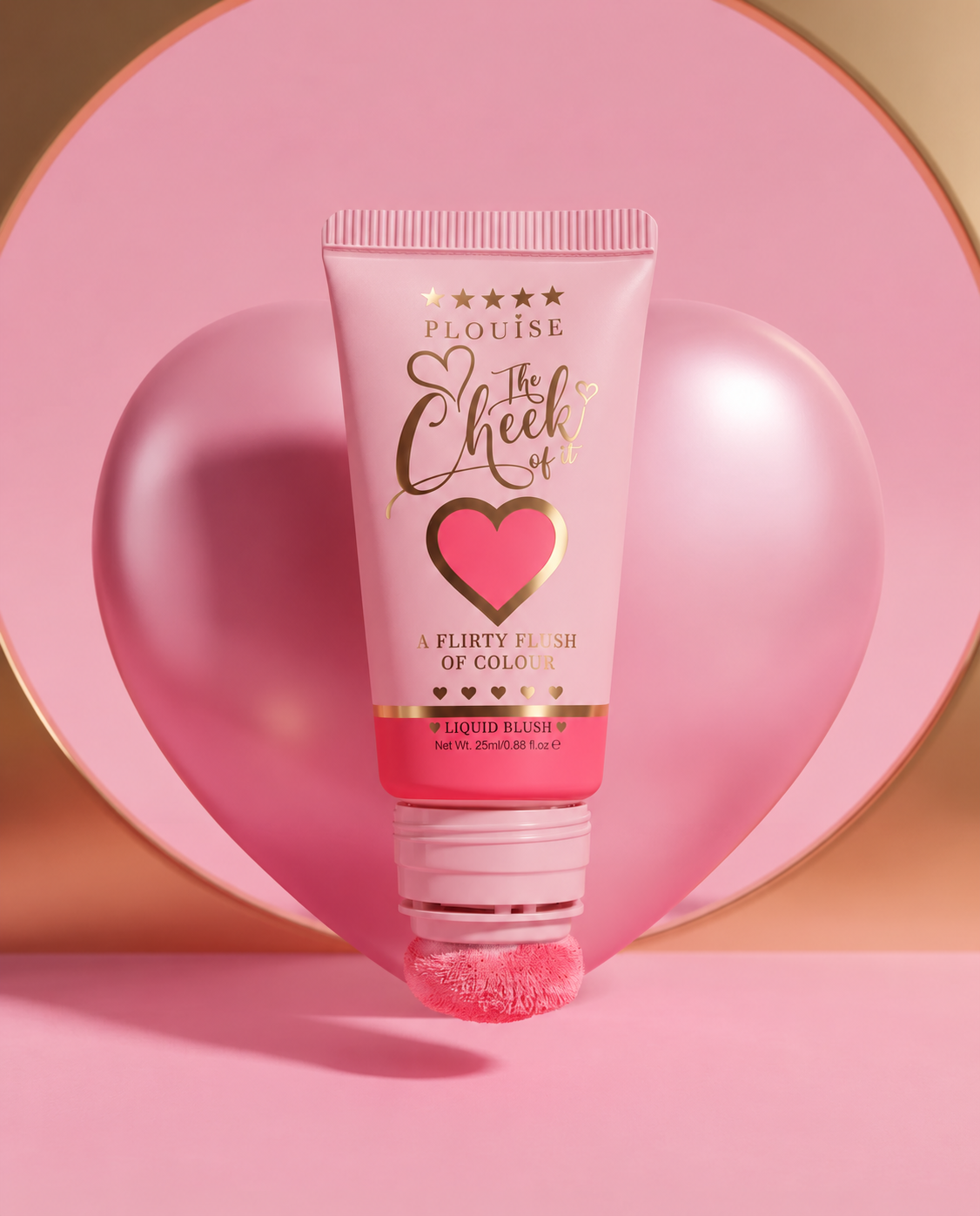
Product fidelityPackaging, lettering and applicator stay recognisable.
Image qualityUse the best original generation and avoid extra compression.
MotionKeep camera movement deliberate and the product stable.
Brand finishCheck crop and pacing; avoid unnecessary overlays.